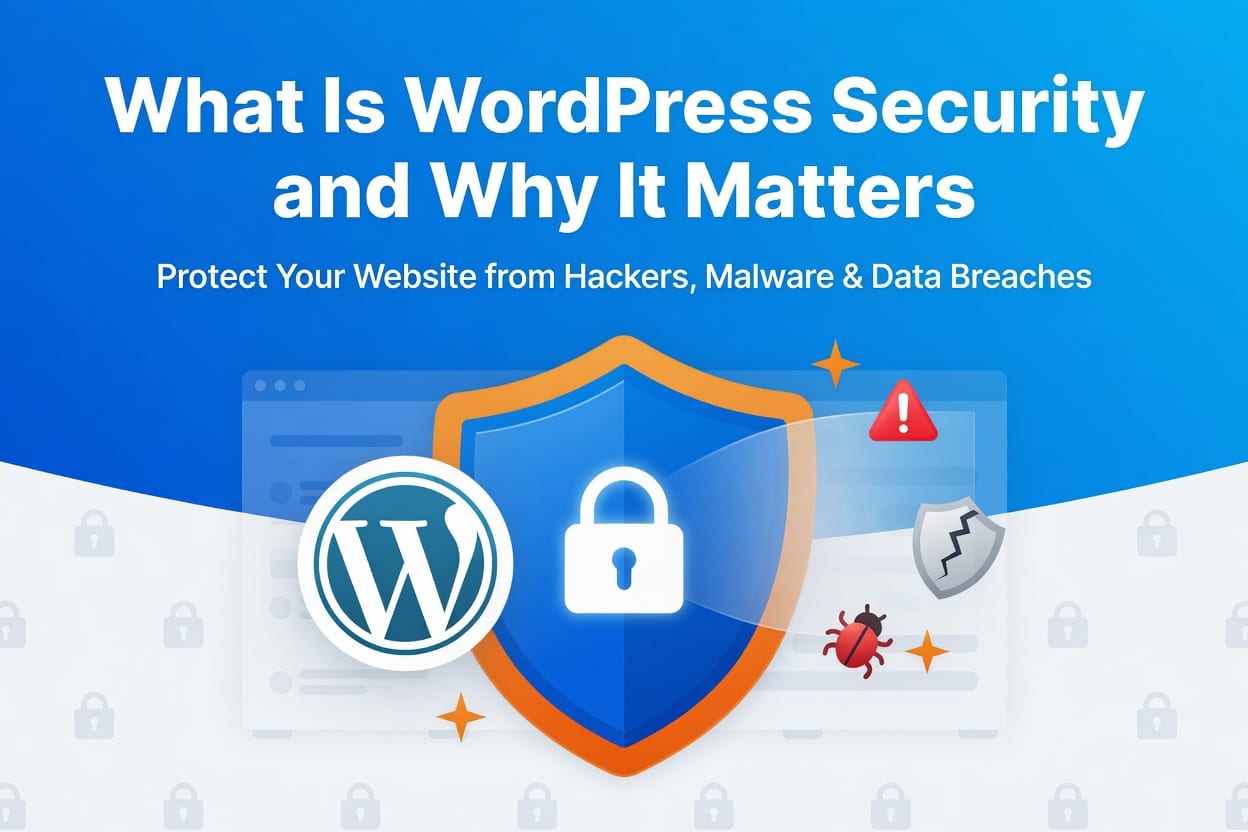
If you run a website, WordPress security should be one of your top priorities. While WordPress is powerful, flexible, and easy to use, its popularity also makes it a frequent target for hackers.
Every day, thousands of websites face automated attacks that attempt to exploit vulnerabilities such as outdated plugins, weak passwords, or poor configurations. Without proper security measures, a WordPress site can quickly become vulnerable to malware, data theft, and search engine penalties.
The good news is that protecting your website does not have to be complicated. By understanding the fundamentals of WordPress security and applying a few best practices, you can significantly reduce the risk of attacks.
In this guide, you will learn:
- Simple steps you can take today to protect your WordPress website
- What WordPress security is
- Why WordPress websites are targeted
- The core areas of website protection
- What happens when a site is not secured
What Is WordPress Security?
WordPress security is the process of safeguarding your WordPress website from threats such as malware infections, brute-force attacks, data theft, and unauthorized access.
A secure WordPress site focuses on protecting several key components:
- Website files – Core files, themes, and plugins that power the site
- Database – Stores posts, user accounts, and sensitive information
- Admin access – Controls who can log in and manage the site
When these elements are protected properly, attackers have a much harder time gaining access to your website.
In simple terms, WordPress security ensures that only authorized users can access your site and that your data remains safe.
Core Areas of WordPress Security
WordPress security involves several essential areas working together. When each layer is maintained properly, your website becomes much harder to compromise.
1. Login Protection
The login page is one of the most common entry points for hackers. Attackers often use brute-force attacks, where automated bots attempt thousands of username and password combinations until they gain access.
Effective login protection includes:
- Strong passwords
- Two-factor authentication
- Limiting login attempts
- Changing the default login URL
These measures make it significantly harder for attackers to break into your admin panel.
2. Plugin and Theme Updates
Outdated plugins and themes are one of the biggest security risks in WordPress.
Developers regularly release updates that fix vulnerabilities and bugs. If these updates are ignored, attackers can exploit those weaknesses to inject malware or gain access to your website.
Therefore, keeping plugins and themes updated ensures your site always runs the latest security patches.
3. Regular Backups
Backups act as a safety net for your website.
Even with strong security measures in place, accidents or attacks can still happen. If your site becomes compromised, a recent backup allows you to restore your website quickly without losing data.
Ideally, backups should be:
- Automated
- Stored offsite
- Performed regularly
This guarantees that your website can recover quickly from unexpected issues.
4. Secure Hosting Environment
Your hosting provider plays a major role in your website’s security.
A reliable hosting company typically provides:
- Server-level firewalls
- Malware monitoring
- Automatic updates
- Secure server configurations
Because of this, choosing a reputable hosting provider adds another protective layer to your WordPress security strategy.
Why WordPress Sites Are Targeted
Many website owners wonder why hackers target WordPress sites in the first place. The answer lies in three major factors.
1. WordPress Popularity
WordPress powers millions of websites worldwide. Because of its widespread use, hackers focus their efforts on WordPress knowing that a single vulnerability could affect thousands of sites.
However, popularity does not mean WordPress is insecure. It simply means attackers focus on it more often.
2. Automated Attacks
Most attacks against WordPress websites are automated.
Hackers deploy bots that scan the internet looking for websites with common vulnerabilities such as outdated plugins, weak passwords, or poorly configured servers.
Once a vulnerable site is detected, the bot automatically attempts to exploit it.
3. Weak Configurations
Many WordPress sites become vulnerable because of poor security practices.
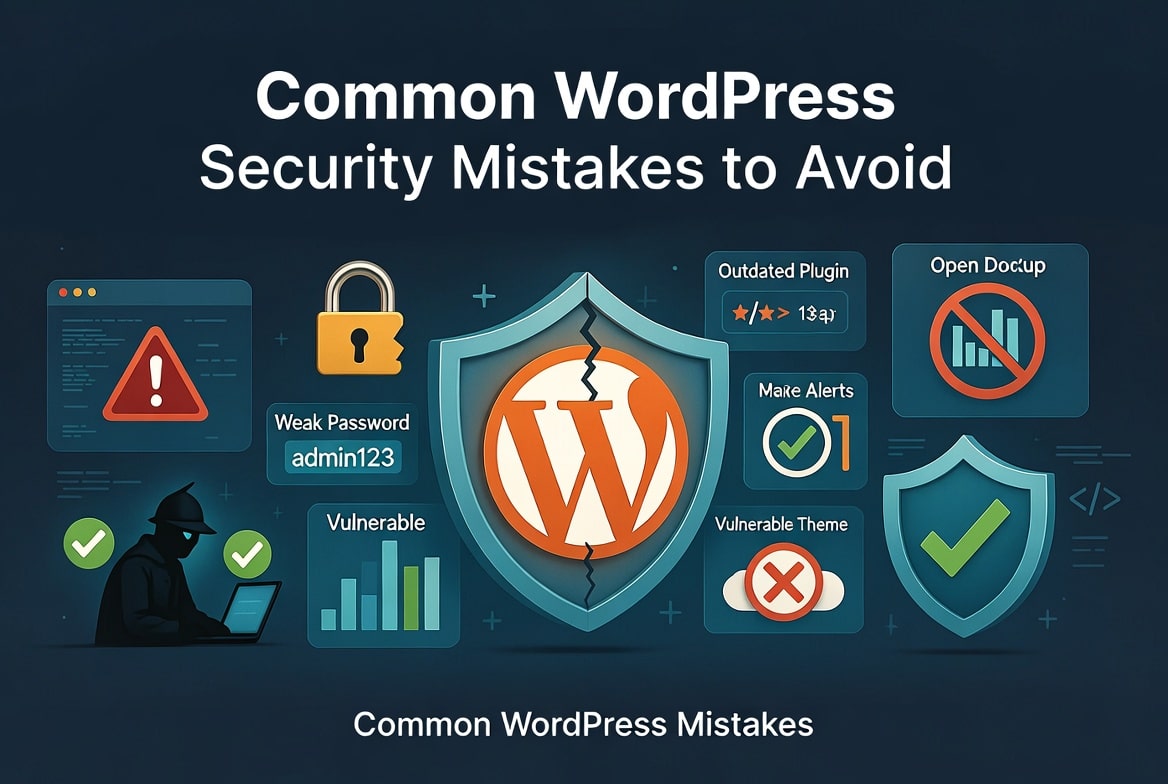
Common examples include:
- Weak passwords
- Outdated plugins
- Default admin usernames
- Poorly configured permissions
These simple mistakes often give attackers an easy way into a website.
What Happens When a WordPress Site Is Not Secured?
Malware Infection
Hackers can inject malicious code into your website files. Once infected, your site may start spreading malware to visitors or redirecting them to harmful websites.
This not only damages trust but can also cause browsers to block your website entirely.
Data Theft
A compromised site can expose sensitive information such as:
- User accounts
- Customer data
- Email addresses
- Payment details
Data breaches can harm your business and may even result in legal consequences depending on the type of information stolen.
SEO Damage
Search engines like Google may blacklist infected websites.
When this happens:
- Your website disappears from search results
- Visitors see security warnings
- Organic traffic drops dramatically
Recovering from SEO damage caused by malware can take weeks or even months
Simple WordPress Security Steps You Can Take Today
The good news is that improving WordPress security does not require advanced technical skills. Several simple actions can significantly reduce your risk.
Update Plugins and Themes
Always keep your plugins, themes, and WordPress core updated. Updates often contain security fixes that protect your site from known vulnerabilities.
Use Strong Passwords
Weak passwords remain one of the biggest security risks.
Create strong passwords that include:
- Uppercase letters
- Lowercase letters
- Numbers
- Special characters
Avoid using common words or predictable combinations.
Install a Security Plugin
Security plugins provide powerful tools such as:
- Firewall protection
- Malware scanning
- Login attempt limits
- File monitoring
If you are new to this process, check out our guide on How to install a WordPress security plugin.
Scan Your Website for Malware
Regular scans help detect hidden threats before they cause serious damage.
A malware scan can identify:
- Suspicious files
- Malware injections
- Vulnerable plugins
Learn how to do this step-by-step in our guide on How to scan your WordPress site for malware.
WordPress Security Checklist
Use this quick checklist to improve your site’s protection.
✔ Update WordPress core regularly
✔ Update plugins and themes
✔ Use strong passwords
✔ Enable two-factor authentication
✔ Install a security plugin
✔ Perform regular malware scans
✔ Backup your website frequently
✔ Use secure hosting
✔ Remove unused plugins and themes
✔ Monitor login activity
Following this checklist can dramatically reduce your website’s security risks.
WordPress Security FAQ
What is WordPress security?
WordPress security refers to the practices and tools used to protect a WordPress website from hacking, malware infections, and unauthorized access.
Why are WordPress websites targeted by hackers?
WordPress sites are targeted because the platform is widely used, making it attractive for attackers. Many attacks are automated and exploit weak passwords, outdated plugins, or poor security configurations.
How do I secure my WordPress website?
You can secure your WordPress website by updating plugins and themes, using strong passwords, installing a security plugin, enabling two-factor authentication, and performing regular malware scans.
Do small WordPress websites need security?
Yes. Hackers often target smaller websites because they usually have weaker security protections.
Final Thoughts
WordPress security is essential for protecting your website, your visitors, and your online reputation.
By securing your login page, updating plugins, running malware scans, and maintaining regular backups, you can significantly reduce the risk of cyberattacks.
The most effective approach is to be proactive rather than reactive. Implementing strong security practices today will help ensure that your website remains safe and reliable in the long run.
Impact-Site-Verification: 1457fc9d-6dc3-4103-b345-65f0e1e257f3



Leave a Reply