Tutorials
Follow step by step WordPress security tutorials. Configure 2FA, secure admin access, and apply practical protection methods.
Sort by:
All Articles
-
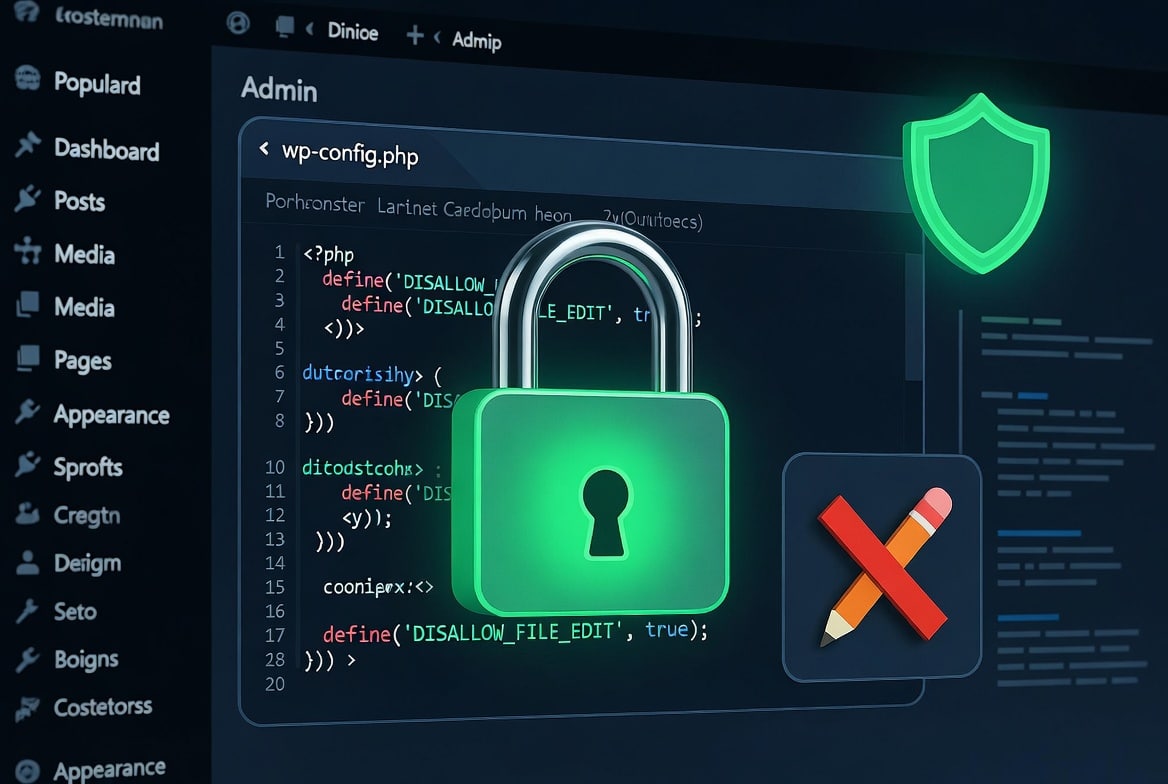
How to Disable File Editing in WordPress via wp config.php
WordPress includes a built-in code editor that lets anyone with admin access modify plugin and theme PHP files directly from the browser. One compromised admin account gives an attacker full code execution on your server — no FTP, no SSH required. A single line in wp-config.php disables that editor permanently. This post explains what to…
-
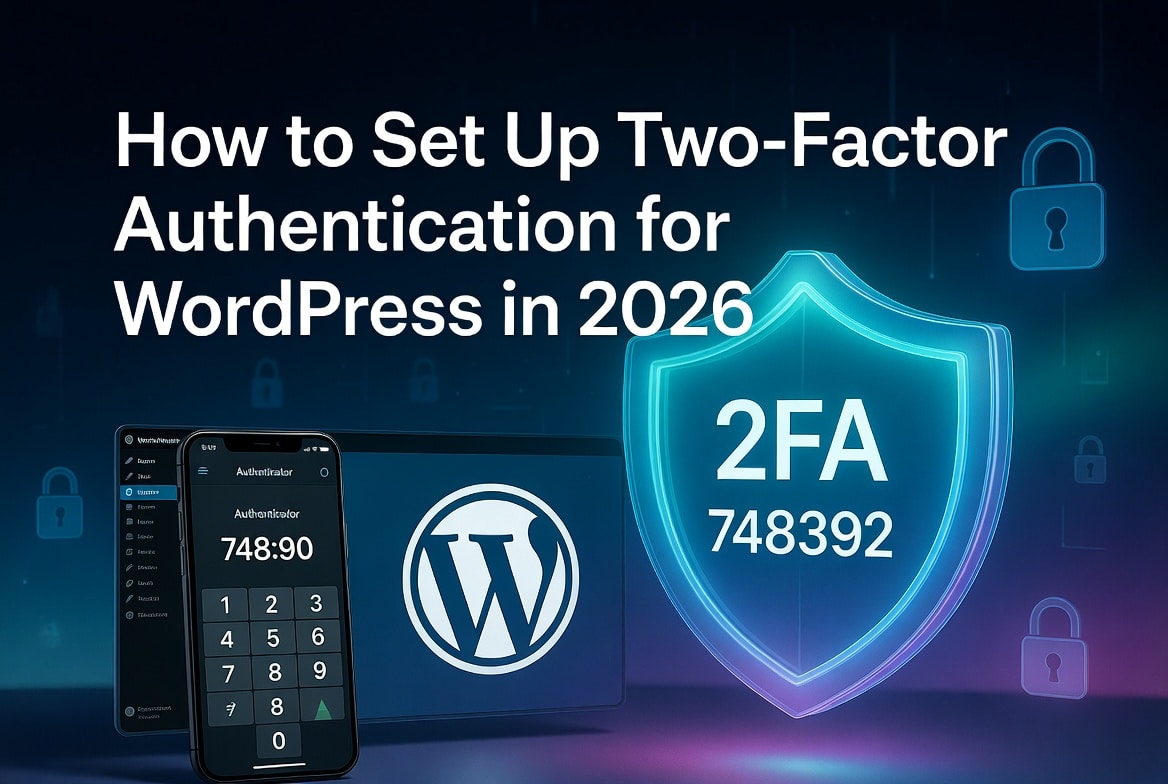
How to Set Up Two-Factor Authentication for WordPress in 2026
Two-factor authentication stops brute-force attacks cold. Even if an attacker gets your password, they can’t log in without the second factor a time-sensitive code from an app on your phone, or a biometric tap on your device. This guide covers every method available in 2026, step-by-step setup using WP 2FA (the recommended plugin for most…
-
How to Disable XML-RPC in WordPress in 2026
WordPress XML-RPC attacks threaten millions of WordPress websites daily, yet most site owners overlook this critical WordPress security vulnerability that hackers actively exploit. Learning how to disable XML-RPC in WordPress protects your site from brute force attacks, DDoS attacks, and pingback spam that drain server resources and compromise WordPress security.
-
How to detect malicious plugin and themes in WordPress
Your WordPress website holds valuable business data, customer information, and search engine rankings. Hackers know this. They often target WordPress plugins and themes because these tools give them direct access to your website files. Many website owners install unsafe plugins without realizing the risk. A single malicious plugin can steal data, redirect visitors, damage SEO…