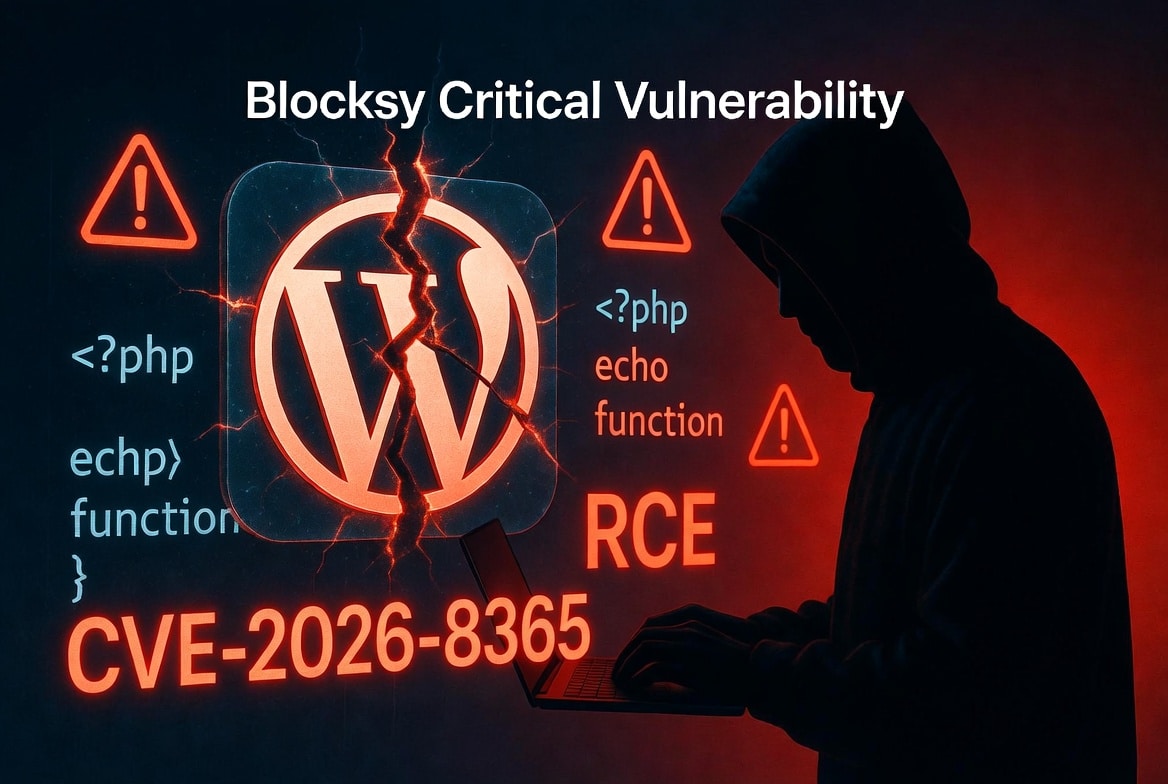
A major security flaw has shaken up the WordPress community. Security researchers found a critical zero-day vulnerability, tracked as CVE-2026-8365, in the popular Blocksy WordPress theme. Blocksy is a favorite choice for digital agencies and large business websites because it is fast and highly customizable.
However, if you are running Blocksy version 2.1.41 or older, your website is at serious risk. This specific plugin and theme flaw allows low-privileged users—like contributor accounts or guest bloggers to inject malicious code into your system. Once they exploit this, threat actors can gain full remote access to your web server, deface your web pages, or take complete control of your entire site.
The Basics of the Vulnerability
- Vulnerability Name: CVE-2026-8365
- Type of Attack: PHP Object Injection & Remote Code Execution (RCE)
- Risk Score: 8.8 / 10 (High Severity)
- Who Can Exploit It: Anyone with a Contributor account or higher
- Affected Versions: 2.1.41 and all versions below it
- The Fix: Update to version 2.1.42 immediately
How Threat Actors Exploit the Flaw
The problem starts with how the Blocksy theme saves settings through the WordPress REST API. The theme uses a feature called blocksy_meta to let writers change page layouts or styles.
When a user sends data, the theme uses a specific function to clean up the text. The developers designed this function to block basic HTML code so that attackers couldn’t launch simple script attacks.
Unfortunately, the security checks only looked for the < and > symbols. They completely forgot about malicious software written as serialized PHP strings. Because a serialized string does not use < or >, the flawed security filter let the malicious code slide right into the database.
The trap springs later during a routine theme update. When the site runs its background database updates, the theme blindly processes the hidden data. This triggers the malware injection, causing the server to execute the hacker’s hidden commands.
Why a “Contributor” Account is a Dangerous Entry Point
Many website owners think they are safe because a hacker needs an account to pull off this attack. However, this is a dangerous assumption.
On large blogs or company sites, managers freely give out “Contributor” accounts to guest writers, external contractors, or marketing interns. Hackers do not need to guess your main admin password to gain access to your site. Instead, they use social engineering, phishing emails, or leaked passwords from other websites to hijack a single, low-level contributor account.
Once they log in, that minor account becomes their entry point. They use it to bypass your standard restrictions, execute commands on your server, and start stealing data.
The Real Danger: What Hackers Do Once Inside
When threat actors successfully use this vulnerability, they can cause massive damage to your business:
- SEO Spam Injection: Hackers can secretly modify your posts and inject hundreds of hidden links to scam websites. This seo attack ruins your reputation and causes your search engine rankings to plummet on Google.
- Stealing Sensitive Information: Attackers can read your configuration files, giving them access to your customer databases. They can steal personal information, credit card details, and other sensitive information.
- Complete Server Takeover: With remote access, hackers can use your server to launch attacks on other networks, hide their true ip addresses, or install ransomware.
The Added Risk of Nulled Plugins and Themes
While the official Blocksy theme has a fix available, many website owners make their security posture worse by downloading nulled wordpress plugins or themes.
“Nulled” means someone took a premium wordpress plugin or theme, cracked the plugin subscription check, and uploaded it to the internet for free. Shady websites distribute these nulled plugins to lure business owners who want to save money.
In almost every single case, hackers intentionally hide malicious content inside these files before uploading them. If you use pirated software, you are skipping the vendor’s official updates. This means you will never receive the critical security patches needed for exploiting vulnerabilities, leaving your site permanently open to a malware injection.
How to Protect Your Website Right Now
Your security team must act quickly to close this doorway before hackers exploit it. Follow these clear security measures:
1. Update Blocksy Immediately
Log into your WordPress dashboard, go to your themes page, and update Blocksy to version 2.1.42 right away. The vendors have rewritten the input filters to block serialized code injections.
2. Scan Your Database for Malware
Open your database management tool (like phpMyAdmin) and search your wp_postmeta table for suspicious code blocks. Run this command to check if anyone has already targeted your site:
SELECT * FROM wp_postmeta WHERE meta_value LIKE '%O:19:"Blocksy\\RaiiPattern"%';
If this search brings up any results, a hacker has likely tried to attack your site, and you need to clean your files immediately.
3. Enforce Multi-Factor Authentication
Do not let weak passwords ruin your security. Use security tools to enforce two-factor authentication (2FA) for every single user on your site—including guest contributors. This stops hackers from logging in even if they manage to steal a password.
4. Delete Old Contributor Accounts
Review your WordPress user list. Delete or deactivate any old, unused accounts belonging to past writers or contractors so hackers cannot use them as an easy way inside.
Conclusion
The Blocksy theme flaw proves that even popular, well-made code can have hidden safety gaps. To keep your business safe, you must keep your software updated, avoid pirated files, and closely monitor who has access to your dashboard. Update to Blocksy 2.1.42 today to secure your site against this severe remote execution threat.



Leave a Reply