
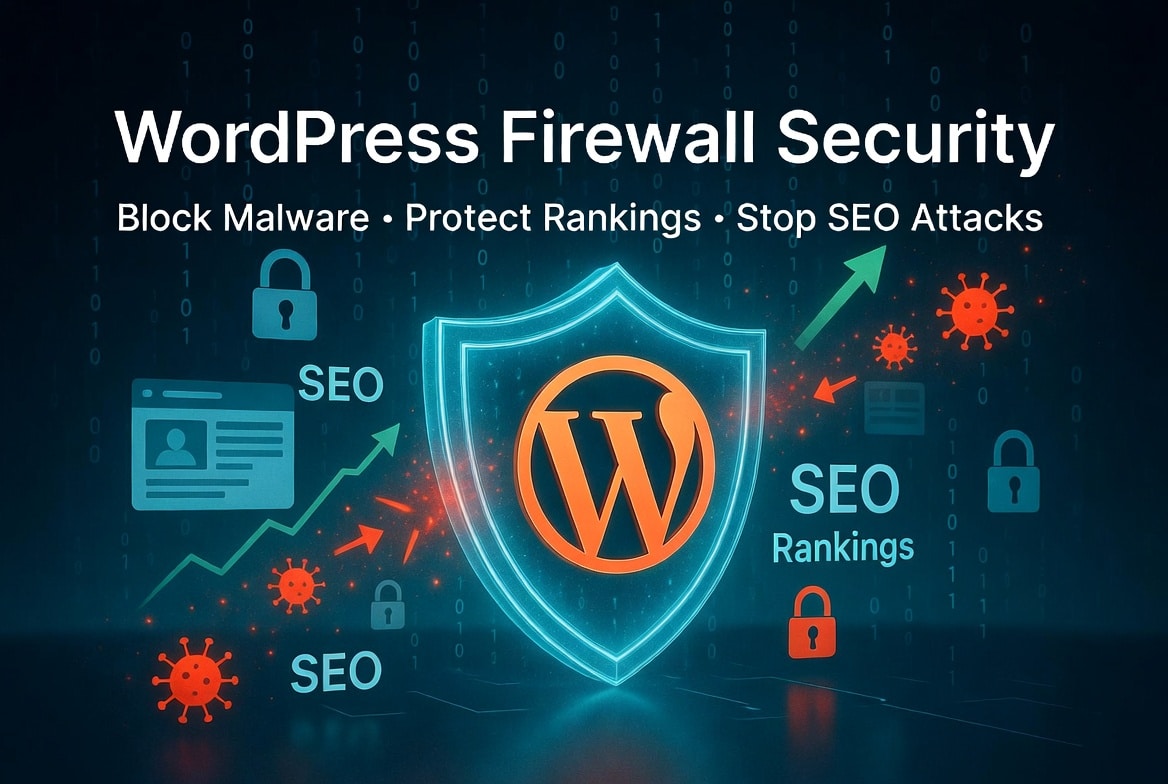
A WordPress firewall gives your site a strong line of defense against hackers, bots, and unsafe traffic. It blocks harmful requests before they reach your site, helping you protect your content, preserve trust, and reduce the risk of a costly security incident.
This article explains how firewalls work, why attackers target WordPress, how threats spread through plugins and themes, and what site owners can do to strengthen their defense.
Why WordPress Security Matters
WordPress powers a huge share of the web, and that popularity attracts threat actors. They look for weak passwords, outdated software, vulnerable extensions, and careless site owners who ignore basic security measures.
A single attack can expose sensitive information, damage your search engine rankings, and spread malicious content across your web pages. In many cases, attackers use social engineering or automated scripts to gain access through an easy entry point, such as a weak login form or an unpatched plugin-theme combination.
That is why site owners need more than a basic hosting plan. Security tools are essential for detecting risks early, blocking harmful requests, and minimizing the likelihood of a breach.
What a WordPress Firewall Does
A WordPress firewall filters traffic before it reaches your site. It inspects incoming requests, matches them against known threat patterns, and blocks traffic deemed suspicious.
The firewall can stop common attacks such as brute-force logins, malware injection attempts, and exploit scans. It can also block requests from suspicious IP addresses, limit access to vulnerable admin areas, and reduce spam activity that harms your site’s reputation.
This protection matters because many attacks do not begin with dramatic hacking attempts. Instead, attacks often start with repeated login attempts, fraudulent form submissions, or attempts to inject malicious code into comments, input fields, or plugin settings.
A strong firewall gives your site a better chance to stay online, safe, and fast.
WordPress Vulnerabilities and Risk
WordPress vulnerabilities often come from outdated software, insecure coding, or abandoned plugins. Attackers search for these weaknesses because they want a fast way to gain remote access or steal data.
Many site owners underestimate the risks of downloading nulled WordPress plugins. These files often conceal malicious software, hidden backdoors, or code designed to inject harmful scripts into web pages. They can also launch SEO attacks by planting spam links, hidden text, or fake pages intended to manipulate search engine rankings.
The danger rarely ends with a single bad installation. Once attackers exploit vulnerabilities, they typically escalate their access—adding new administrator accounts, redirecting traffic, or even changing the site’s URL to send visitors elsewhere.
If a plugin appears “free” but normally requires a paid subscription, the supposed bargain can end up costing far more than the legitimate license ever would.
Premium Plugins vs Nulled Plugins
Many site owners compare premium WordPress plugins with nulled versions in an effort to save money. Unfortunately, that choice often results in a false economy.
Premium plugins typically include ongoing updates, technical support, compatibility fixes, and security patches. They also come from legitimate sources, reducing the risk of hidden malware or suspicious code paths.
By contrast, nulled plugin files often bypass licensing checks by altering the original code. In practice, those modifications can introduce malicious content, hidden redirects, SEO spam injections, and exploitable security weaknesses.
While a subscription may seem costly at first, it ultimately protects your site, your visitors, and your search engine rankings. Compared with the expense of cleanup, downtime, or lost traffic, the subscription almost always proves to be the cheaper option.
How SEO Attacks Spread
SEO attacks target your site’s visibility rather than only its data. Attackers use them to manipulate rankings, inject spam, or hijack traffic for their own gain.
SEO spam injection involves adding hidden links, keyword-stuffed pages, or spam content to your site. Attackers create irrelevant pages that damage your credibility and rankings.
Malware injection often creates doorway pages, redirects visitors, or places malicious content on seemingly normal pages. Search engines may penalize compromised sites by lowering their rankings or displaying warnings to users.
These attacks often begin with a vulnerable plugin, weak credentials, or exposed site settings. After gaining a foothold, attackers can rapidly escalate their control.
Common Entry Points
Attackers usually do not need advanced tools to compromise a site. They often start with basic mistakes.
One common entry point involves outdated plugins or themes. Weak passwords and the absence of two-factor authentication allow attackers to brute‑force logins until they gain access. Some attackers use social engineering to trick staff into revealing credentials, uploading a file, or approving a fake support request.
They may also target exposed forms, file upload features, or unprotected admin paths. If they gain access, they can steal data, create backdoors, and use your site as part of a larger attack network.
A site security team should review these weak spots regularly. If you run a small business site, you still need the same discipline, because attackers do not care whether your site has one page or one million visits.
How Firewalls Help
A WordPress firewall helps you stop bad traffic before it reaches your site logic. That matters because many attacks depend on speed and repetition.
The firewall can block suspicious requests from known bad IP addresses, reject traffic patterns that match malicious software behavior, and prevent certain exploit attempts from reaching your dashboard. It can also reduce spam bots that post junk, scrape content, or probe your site for weaknesses.
In addition, firewalls help protect your site URL structure from abuse. If attackers try to flood your pages with bad requests or trigger unsafe plugin behavior, the firewall can interrupt the attack early and reduce damage.
That protection becomes even more important when your site handles customer logins, contact forms, downloads, or payment-related content.
What to Look For
Choose security tools that give you more than simple blocking. Look for real-time threat detection, virtual patching, login protection, and malware scanning.
You should also choose tools that help you monitor suspicious activity across your web pages. A good firewall solution can show you which requests it blocked, which IP addresses it flagged, and which patterns it identified as risky.
Also check whether the vendor supports clear updates, good documentation, and reliable support. A firewall works best when you combine it with other security measures such as backups, strong passwords, and two-factor authentication.
If your site runs critical business functions, involve your security team or technical advisor in the decision. They can help you pick a solution that matches your traffic, risk level, and budget.
Protecting Content and Rankings
Your search engine rankings depend on trust, uptime, and clean content. Attackers who inject malicious code or conceal spam links on your pages may cause search engines to flag your site as unsafe.
That can cause traffic drops, deindexing, or warning messages that drive visitors away. It can also create long-term damage because users may avoid returning to a site that once appeared compromised.
A strong firewall helps protect that trust. By blocking threats before they reach your site, it helps maintain visibility and reduces the need for costly cleanup later.
You should also audit your content regularly. Check for suspicious links, strange redirects, unknown scripts, and unusual changes to title tags or alt attribute issues. These problems can reveal deeper compromise or sloppy content management.
Practical Security Measures
Start with the basics. Update WordPress core, plugins, and themes on a regular schedule.
Use strong passwords and two-factor authentication for all accounts with administrative access. Limit user permissions so people only see the areas they actually need. Remove abandoned accounts, monitor login logs, and review plugin access carefully.
Scan for malware injection and suspicious code changes on a schedule. Back up your site frequently and store the backups offsite. If attackers do break in, a clean backup can save you hours or days of recovery work.
You should also review your site URL structure, security settings, and form behavior after each major update. Small configuration changes can create new weak points if you ignore them.
FAQ
What is a WordPress firewall?
A WordPress firewall blocks suspicious traffic before it reaches your site and helps protect against attacks, spam, and exploit attempts.
Why should I avoid nulled plugins?
Nulled plugins often contain malicious code, hidden redirects, or malware injection risks that can damage your site and rankings.
Can a firewall stop SEO spam injection?
Yes, a firewall can block many attack paths that attackers use to inject spam, but you should also scan your site and remove compromised files.
Do premium WordPress plugins improve security?
Yes, premium WordPress plugins usually receive updates, support, and fixes that reduce vulnerability risk.
How do attackers usually gain access?
They often use weak passwords, vulnerable extensions, social engineering, or exposed admin paths to gain access.
Can a firewall protect search engine rankings?
Yes, a firewall helps protect uptime, trust, and content integrity, which supports long-term search engine rankings.
Final Word
A WordPress firewall gives you more than traffic filtering. It helps you defend against malicious software, protect sensitive information, reduce the impact of WordPress vulnerabilities, and preserve your site’s reputation.
If you manage a serious website, you should treat a firewall as a core security layer, not an optional extra.




Leave a Reply