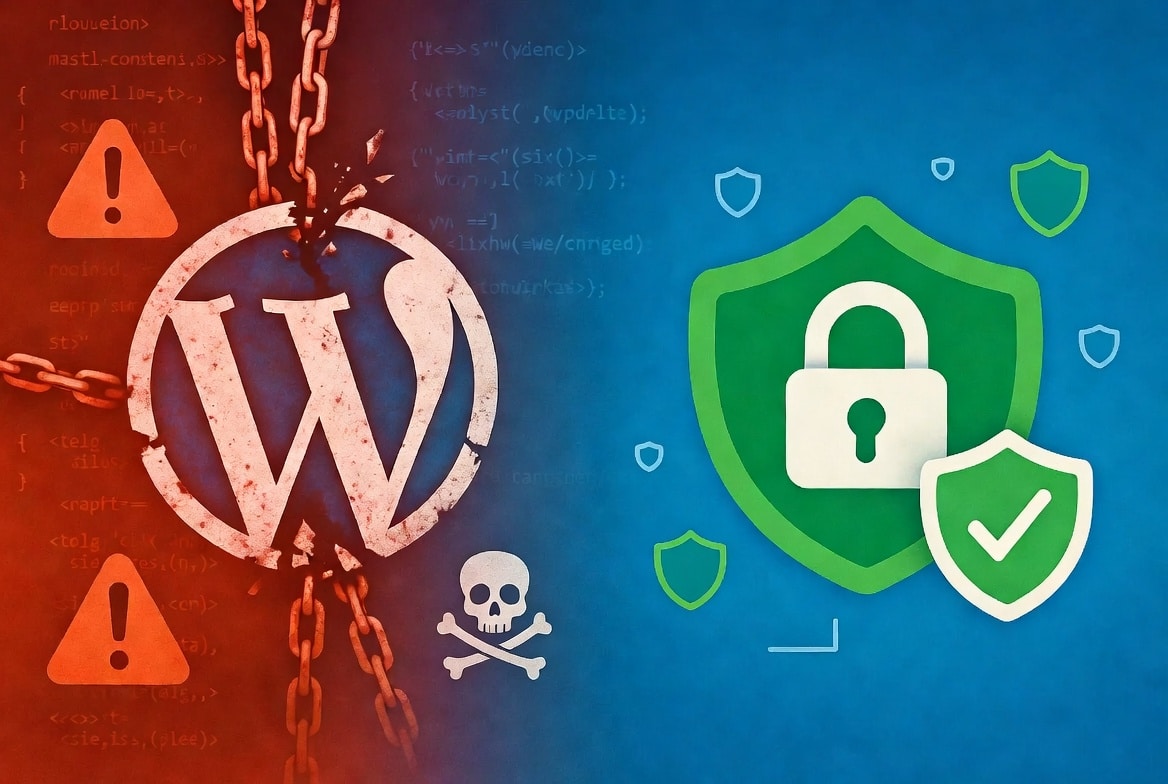
Has your WordPress website been hacked? First of all, don’t panic.
While it can feel overwhelming, the good news is that most hacked WordPress sites can be fully recovered — especially if you act quickly and follow the right steps.
In this beginner-friendly guide, we’ll walk you through exactly how to clean up a hacked WordPress site in 2026, restore it safely, and protect it from future attacks. Whether you’re a blogger, small business owner, or freelancer, these practical steps will help you get back online with confidence.
Why do WordPress sites get hacked?
Common reasons include outdated plugins, weak passwords, and vulnerable hosting. But don’t worry we’ll cover prevention at the end too.
Step 1: Stay Calm and Limit the Damage Immediately
As soon as you suspect a hack, the first thing you should do is contain the problem so it doesn’t get worse.
Here’s what to do right away:
- Temporarily disable all plugins and switch to a default WordPress theme (like Twenty Twenty-Five).
- Put your site into maintenance mode (you can use a simple plugin for this).
- Backup everything — yes, even the infected version. This gives you a safety net and helps with investigation later.
Pro Tip: Use your hosting file manager or SFTP to create the backup before making any changes.
Step 2: Regain Control of Your Accounts
Next, you’ll want to secure all your access points. Hackers often steal credentials, so changing passwords is crucial.Here’s what to update immediately:
- Your WordPress admin password(s)
- Hosting account password (cPanel, Plesk, etc.)
- FTP/SFTP and database credentials
- Any email accounts connected to your site
Additionally, enable two-factor authentication (2FA) everywhere possible. Then, go to your Users section and delete any suspicious or unknown admin accounts that you didn’t create.
Step 3: Scan and Remove Malware
Now it’s time to find and eliminate the malicious code. Fortunately, there are excellent tools available in 2026 that make this process much easier for beginners.
Recommended Security Plugins:
- MalCare – Great for one-click scanning and cleaning
- Wordfence – Powerful scanner with firewall features
- Sucuri – Excellent for file integrity monitoring
How to proceed:
- Install one of the above plugins.
- Run a complete scan of your files and database.
- Carefully review the results and remove or repair infected items.
- Pay special attention to common hiding spots like the mu-plugins folder, functions.php, wp-config.php, and .htaccess file.
In many cases, it’s safer to replace your WordPress core files with fresh copies downloaded directly from WordPress.org.
Step 4: Restore Your Site from a Clean Backup
If you have a recent clean backup (and you really should!), this is often the fastest and safest recovery method.
Follow these steps:
- Restore both your files and database from the clean backup.
- Immediately run another malware scan after restoration.
- Update WordPress, all plugins, and your theme to the latest versions.
Don’t have a recent backup?
You’ll need to perform a more manual cleanup by reinstalling clean versions of plugins and themes from official sources. It takes more time, but it works.
Step 5: Secure and Harden Your WordPress Site
Cleaning up is only half the battle. Now you must prevent the same problem from happening again.Here are the essential security steps to take right after recovery:
- Delete any unused plugins and themes
- Install a good security plugin with a firewall
- Set up reliable daily backups (and test them!)
- Use Cloudflare or a web application firewall (WAF)
- Enable login protection and hide your login page
- Follow strong password practices
For a complete checklist, download our free 50-Point WordPress Security Checklist for 2026.
Step 6: Take Care of Post-Recovery Tasks
Finally, wrap things up properly so your site can get back to normal.
- Check server logs to understand how the hacker got in (this helps prevent future issues).
- Submit your site for review in Google Search Console if it was blacklisted.
- Monitor your site closely for the next 48–72 hours.
When Should You Hire a Professional?
While many hacks can be fixed with DIY methods, sometimes it’s better to get expert help. Consider hiring a WordPress security specialist if:
- The site is still acting strangely after cleaning
- Your hosting account was suspended
- You run an e-commerce store or handle sensitive user data
- You’re not comfortable working with databases or code
How to Prevent Future WordPress Hacks
Remember, prevention is always better than recovery. Most hacks in 2026 happen because of outdated software or weak security basics. Start building better habits today by following our Ultimate WordPress Security Guide and using the checklist mentioned earlier.



Leave a Reply