WP Secure Stack Team
Sort by:
All Articles
-
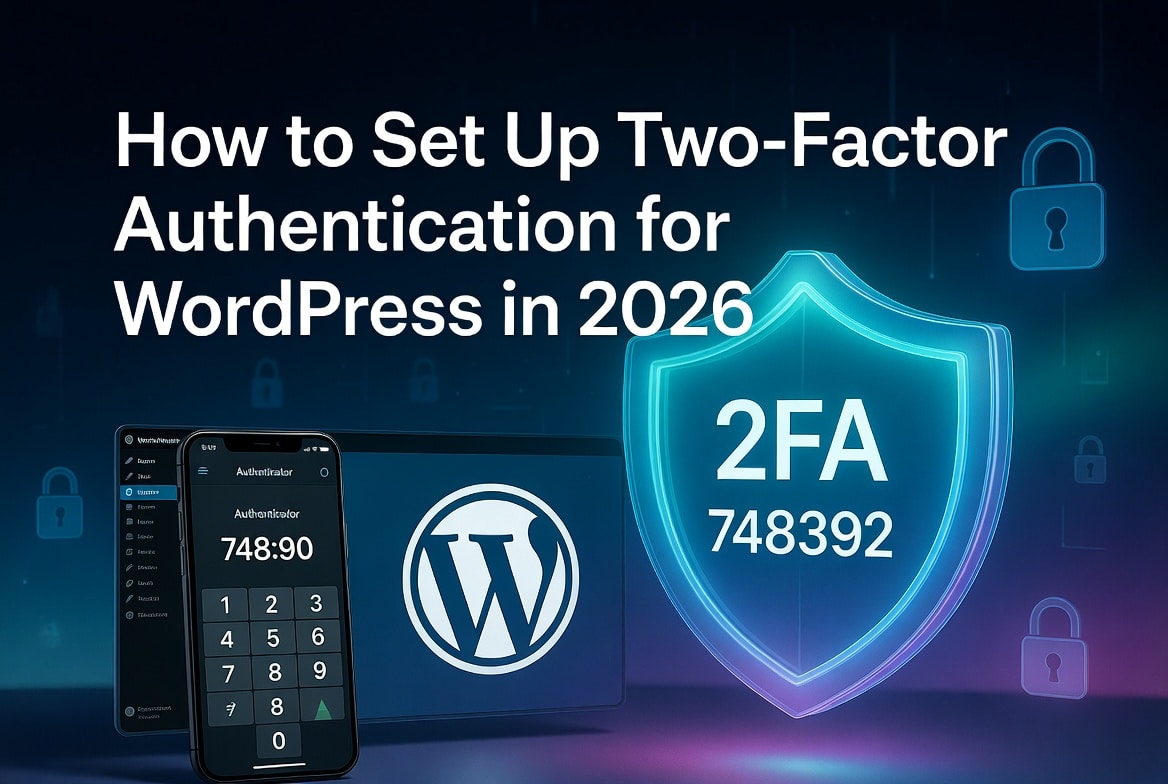
How to Set Up Two-Factor Authentication for WordPress in 2026
Two-factor authentication stops brute-force attacks cold. Even if an attacker gets your password, they can’t log in without the second factor a time-sensitive code from an app on your phone, or a biometric tap on your device. This guide covers every method available in 2026, step-by-step setup using WP 2FA (the recommended plugin for most…
-
The Complete Guide to Hiring WordPress Help Without Getting Hacked
Have you ever handed your WordPress login to a freelancer and felt a little nervous right after sharing You’re not alone. Every day, thousands of WordPress site owners do exactly this and many of them regret it. The honest truth is this: hiring the wrong person to work on your WordPress site can destroy everything…
-
How to Recover from a WordPress Hack in 2026 (Step-by-Step Guide)
Has your WordPress website been hacked? First of all, don’t panic. While it can feel overwhelming, the good news is that most hacked WordPress sites can be fully recovered — especially if you act quickly and follow the right steps. In this beginner-friendly guide, we’ll walk you through exactly how to clean up a hacked…
-
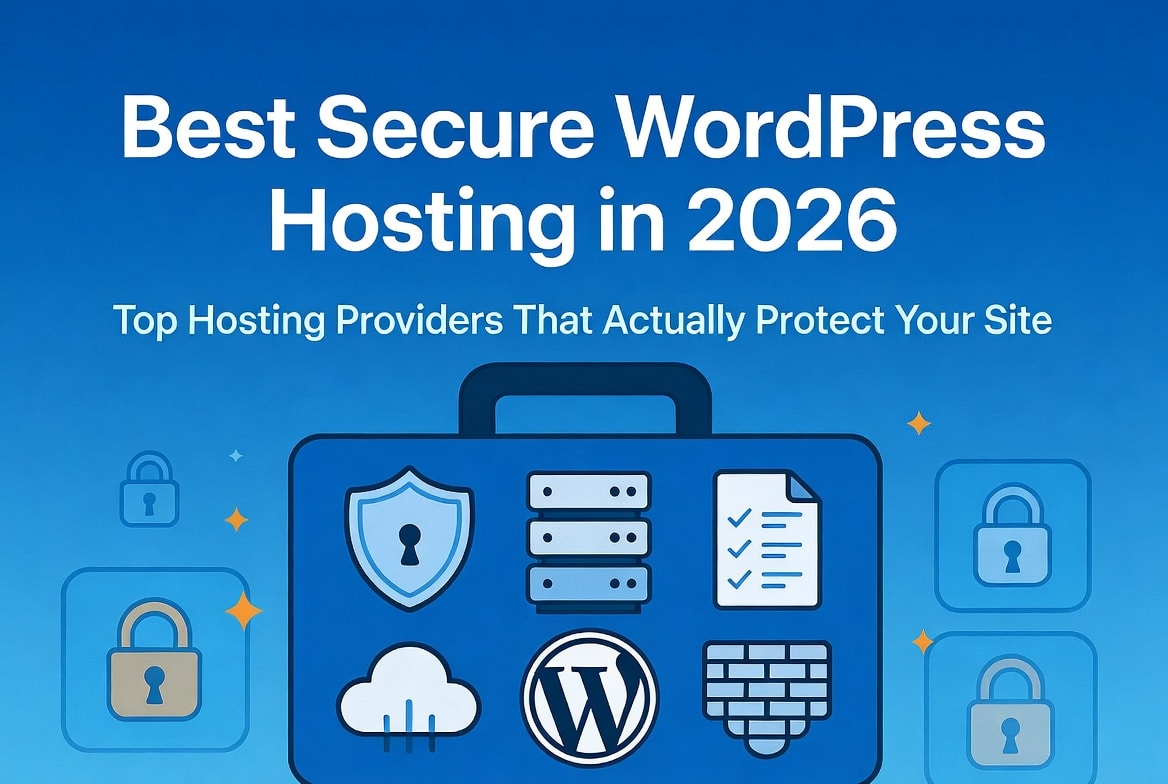
Best Secure WordPress Hosting in 2026
Picking the insecure WordPress host is one of the most expensive mistakes a site owner can make, and most people don’t realize it until they’re already hacked. We’ve seen it happen dozens of times where someone builds a beautiful WordPress site, installs a solid security plugin, creates strong passwords, and still gets compromised because their…
-

How to Secure a WordPress Website: Complete Beginner’s Guide 2026
WordPress powers over 43% of the entire internet. That’s extraordinary. It also makes it the single most targeted CMS on the planet. According to Sucuri’s 2023 Website Threat Research Report, WordPress accounts for the majority of all infected websites detected because WordPress is inherently broken, but because most site owners never take the time to…
-

10 Best WordPress Security Plugins in 2026 (Compared, Tested)
Are you searching for the best WordPress security plugins in 2026 to protect your website from hackers, malware, and brute-force attacks? WordPress is still the most popular CMS in the world, powering over 43% of all websites. That popularity makes it a prime target for cybercriminals. Without the right protection, your site is left wide…
-
Is WordPress Secure? The Honest Answer in 2026
Every week, someone asks the same question in every WordPress Facebook group, every Reddit thread, and every developer Slack: “Is WordPress actually secure?” The short answer is yes; WordPress is secure. However, that answer only tells half the story. The full truth is more nuanced and understanding that nuance is the difference between a site that…
-
Masteriyo LMS Vulnerability Lets Students Hijack WordPress Admin — Here’s What You Need to Know
A missing authorization check just handed student-level users the keys to your entire WordPress site discovered By: SecurityLab Blogger (Hunter Jensen / skid — original researcher) Published: March 25, 2026 · Updated: March 27, 2026 Imagine this. You run a thriving online course business on WordPress. You’re using Masteriyo LMS to deliver content to hundreds of…
-
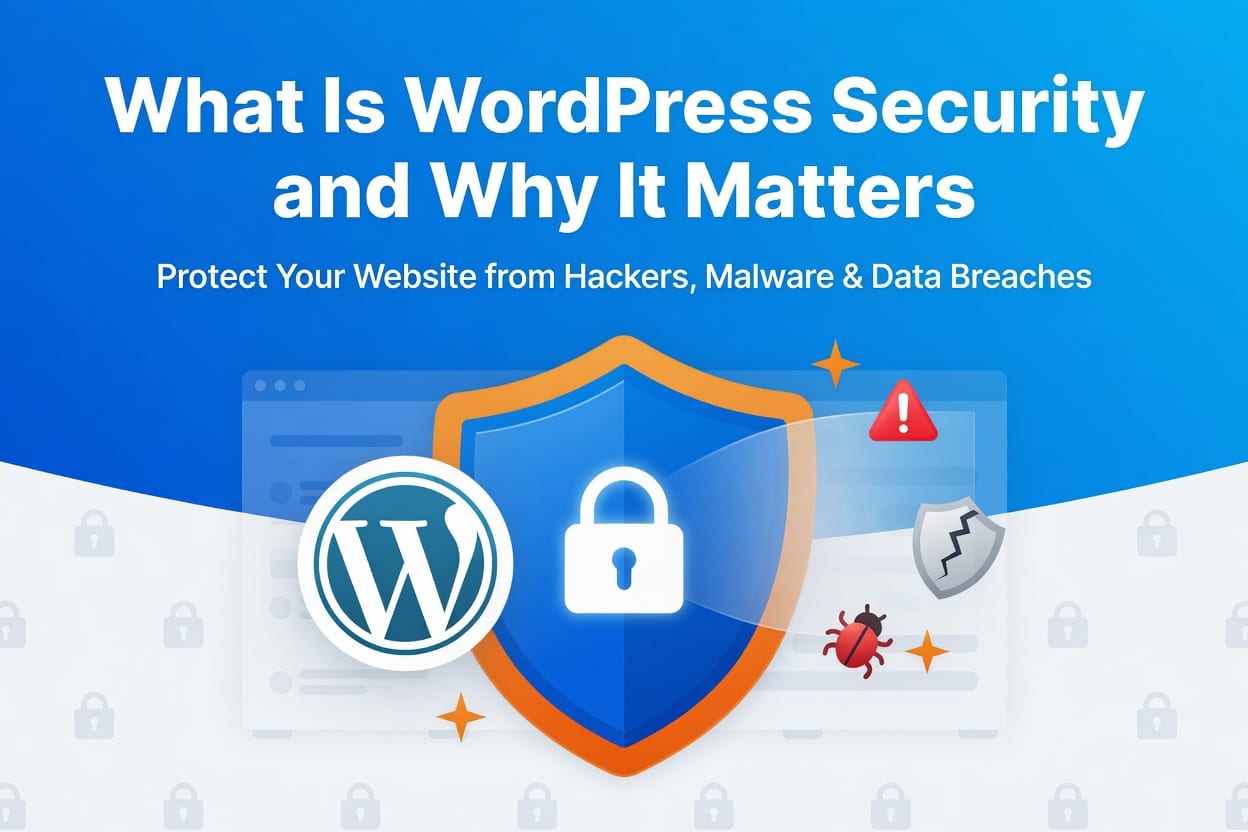
What Is WordPress Security and Why It Matters
WordPress security is the practice of protecting a WordPress website from cyber threats such as malware, hacking attempts, and unauthorized access. It involves securing website files, databases, login systems, plugins, and hosting environments to prevent attackers from exploiting vulnerabilities
-
How to Disable XML-RPC in WordPress in 2026
WordPress XML-RPC attacks threaten millions of WordPress websites daily, yet most site owners overlook this critical WordPress security vulnerability that hackers actively exploit. Learning how to disable XML-RPC in WordPress protects your site from brute force attacks, DDoS attacks, and pingback spam that drain server resources and compromise WordPress security.